
0
Моя корзина
Каталог

Категории товаров

Категории товаров

0
Моя корзина

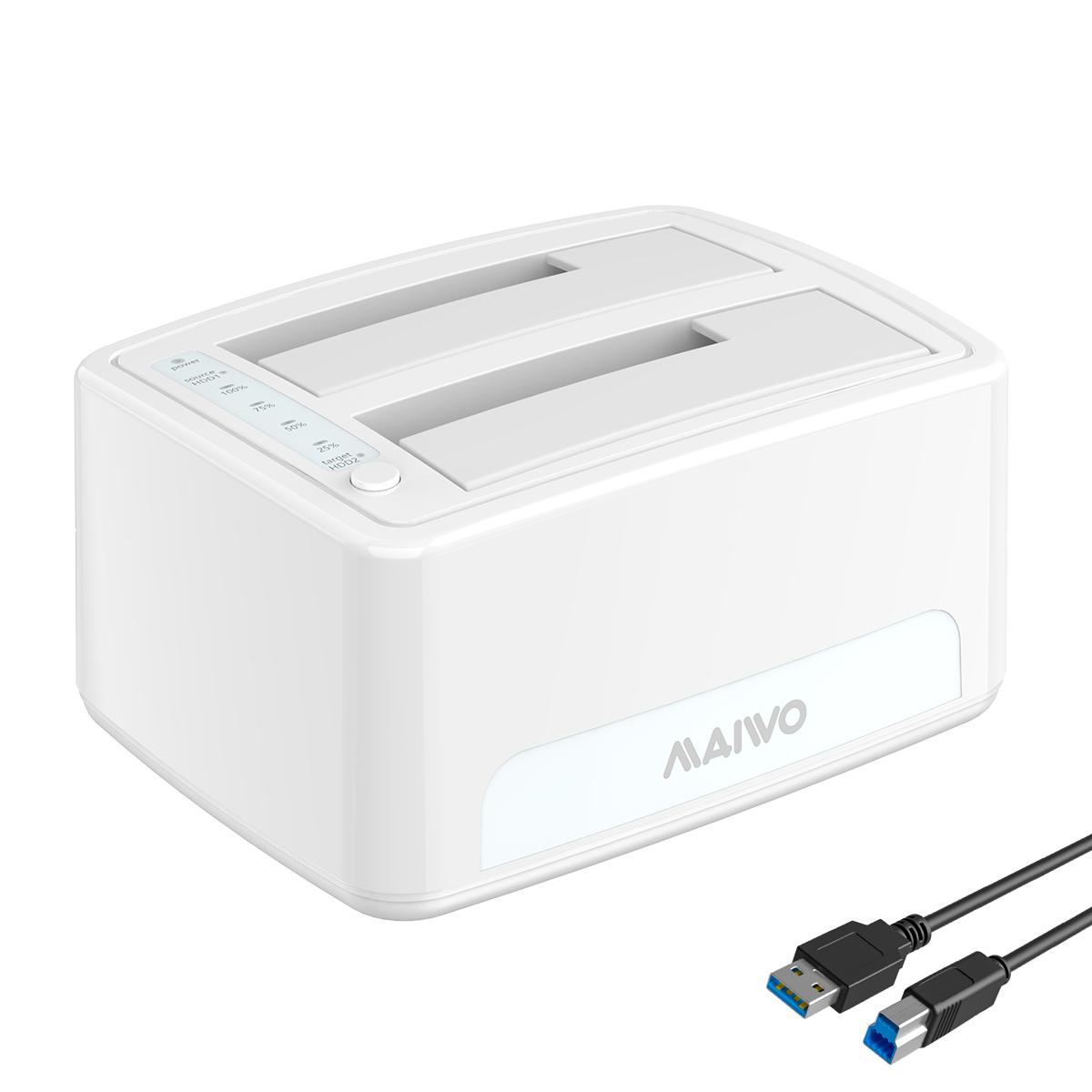
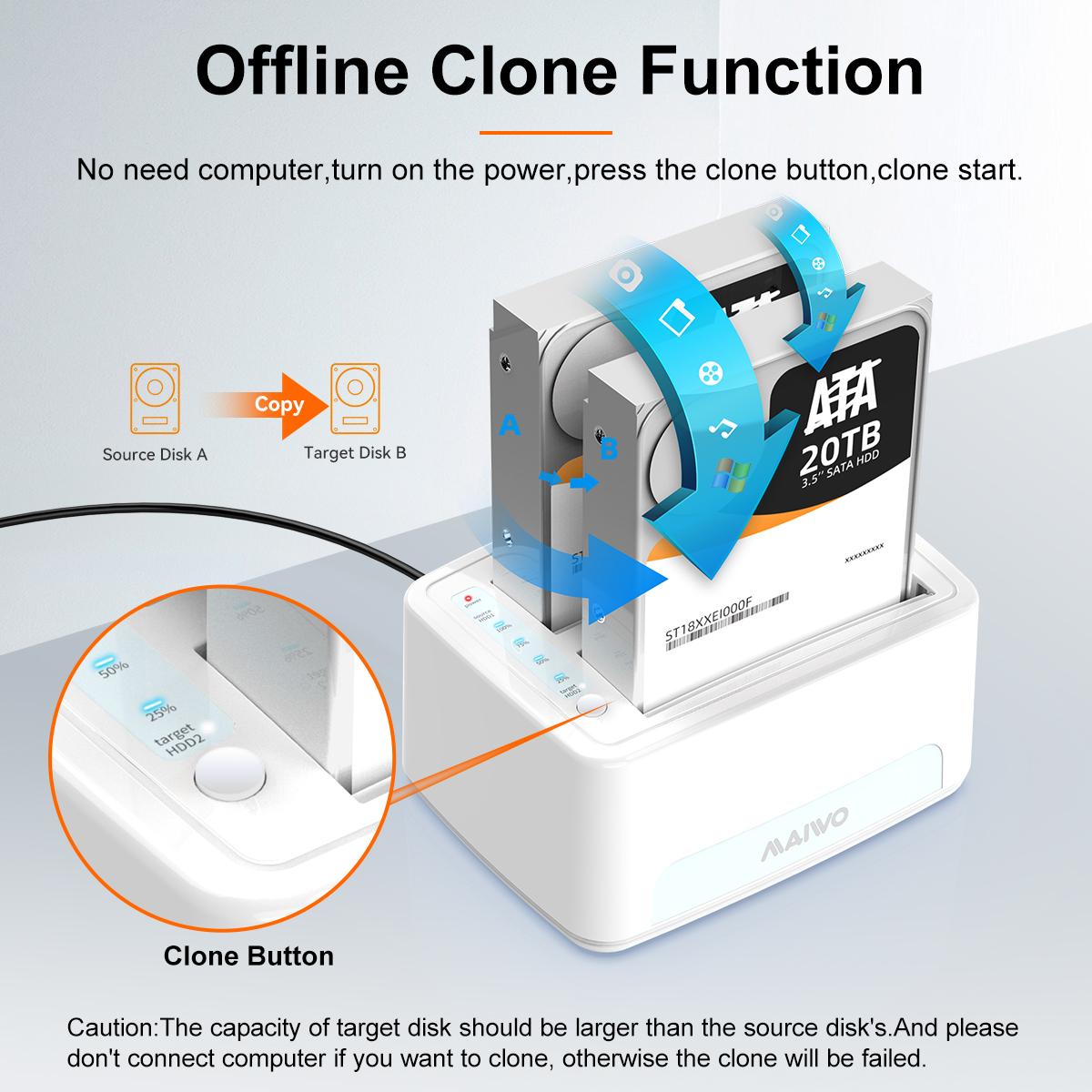
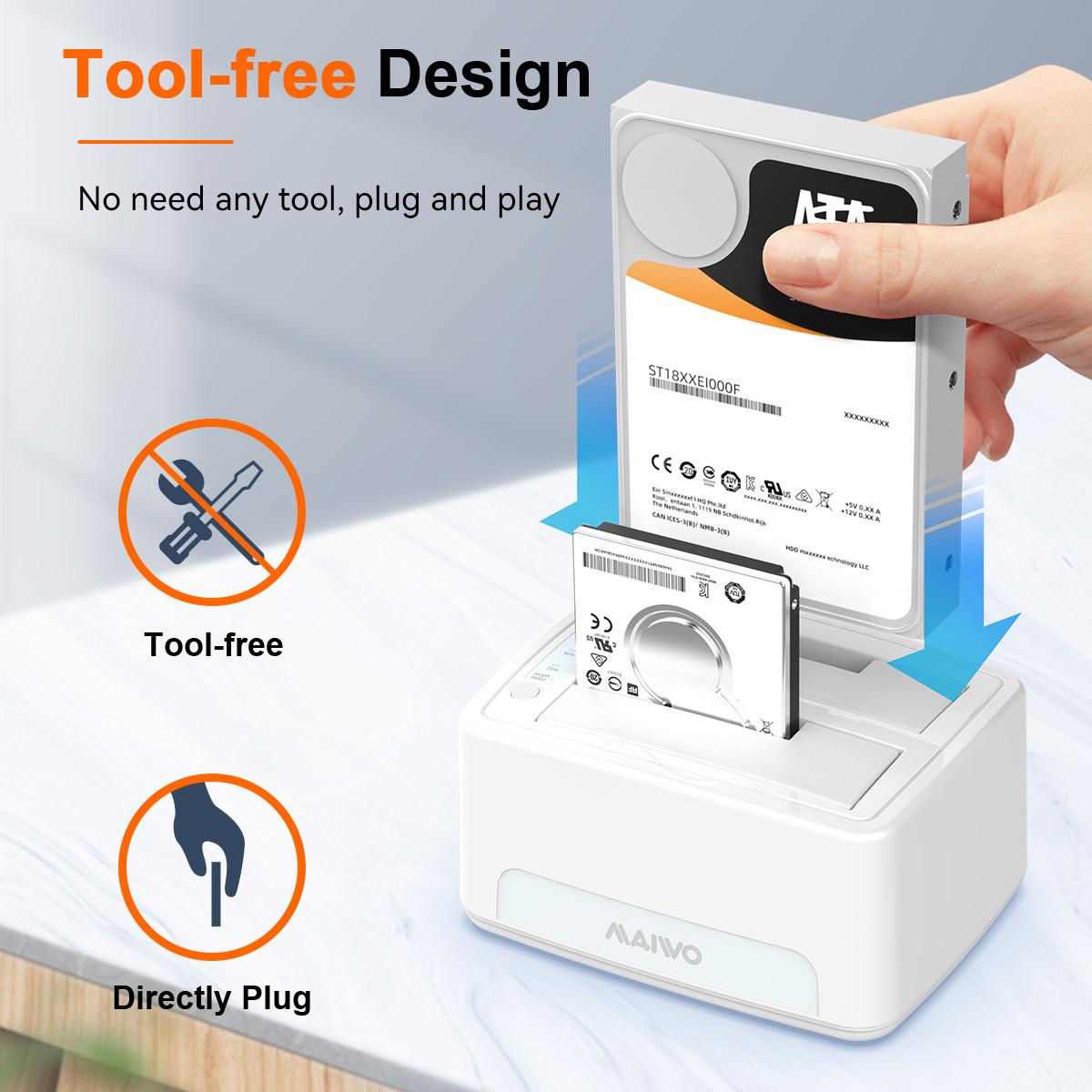
Док-станция MAIWO для двух HDD/SSD с клонированием, SATA клонер для 2.5″ и 3.5″

0
Код товара: 9SIAVF7H880530
Предложение актуально на:01/05/2025
6,783.37 руб.
Type: buffer_90087
Material: Classic Plastic
HDD Count Supported: Dual HDD
Number of Bay: 2 Bay
Maximum Capacity (per Bay): Up to 8TB
Доставка из USA ориентировочно 05.01.2026. Пошлины нет.
В наличии

98 в наличии (может быть предзаказано)

В избранноеВ избранном0
В сравнениеДобавлено в сравнение0
26 человек смотрят это товар.
M.2 SATA/NVMe PCIE Tool-Free SSD Enclosure
MAIWO Type C M.2 SATA/NVMe PCIe Tool-Free SSD Enclosure

Portable Design

This M.2 adapter adopts aluminum alloy shell, slim design, durable and excellent heat dissipation, very portable and easy to carry.

SATA & NVME Compatibility

Compatible with M Key and B+M connectors.
M.2 form factor compatible with both SATA and NVME in sizes: 2230/2242/2260/2280.

Fast Transmission Speed

For M.2 SATA SSD the transfer speed can reach up to 5Gbps, for M.2 NVMe SSD it can reach max 10Gbps, transfer 1G file in second

Tool-Free Installation

USB C to M.2 NVMe SATA Enclosure tool-free design allows the quick installation of an M.2 NVMe or M.2 SATA SSD just in seconds.

Plug and Play

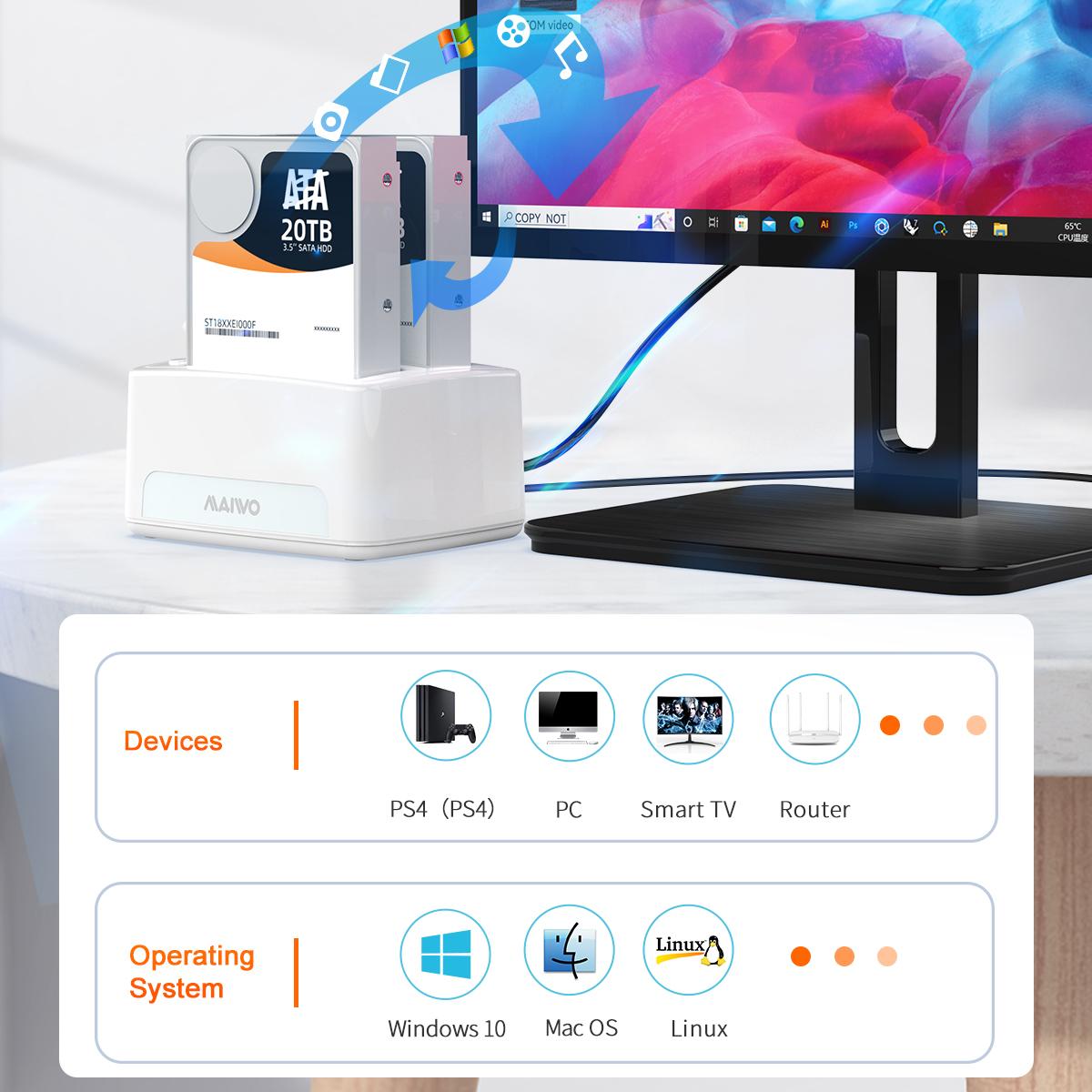
Support Plug & Play and Hot-Swapping
Compatible with multi OS:Windows, Mac OS,Linux ,Android
Support UASP / Trim with ultra fast transmission speed
 

M.2 SATA/NVMe PCIE Tool-Free SSD Enclosure

USB 3.2 New Nomenclature:

1. USB3.2 Gen 1 = USB3.1 Gen 1 , Product transfer rate is up to 5Gbps, Marketing name: SuperSpeed USB
2. USB3.2 Gen 2 = USB3.1 Gen 2 , Product transfer rate is up to 10Gbps, Marketing name: SuperSpeed USB 10Gbps
3. USB3.2 Gen 2X2, Product transfer rate is up to 20Gbps, Marketing name: SuperSpeed USB 20Gbps 

M.2 SATA/NVMe PCIE Tool-Free SSD Enclosure
Tool Free Design&Multi OS Compatible

Kindly Note — If you computer can’t recognize the SSD enclosure. Please Following Steps.

For new SSD, You need to go into the disk management and initialize the SSD firstly, then it could be detected and used normally. Please finish disk initialization according to the following steps.

How to start disk management?

Right click «Computer» — «Manage» — «Disk Management». Find your unallocated disk, right click «Unallocated», and choose «New Simple Volume Wizard».

How to start disk management (in windows 10)?

Click Start -> Run -> type compmgmt.msc -> click OK. Alternatively, right-click on the My Computer icon and select ‘Manage’. In the console tree, click Disk Management.

image for this item

Детали

Бренд

MAIWO

Модель

K1690

Material

Classic Plastic

Внешний интерфейс

Количество поддерживаемых жестких дисков

Dual HDD

Количество бухт

2 Bay

Максимальная производительность (на отсек)

Up to 8TB

Дата появления в продаже

December 07, 2021

Модель модификации

K1690

Артикул (SKU)

9SIAVF7H880530

Ссылка на предложение поставщика

https://www.newegg.com/p/9SIAVF7H880530

Отгрузка из

Состояние

Новый

Color

White

Type

buffer_90087

Название производителя

MAIWO Dual Bay Hard Drive Docking Station with Offline Clone, SATA Cloner Dock for 2.5 and 3.5 inch HDDs and SSDs, 40TB Expansion,UASP Supported,White

Dimensions
Weight 0.54 кг
Dimensions 25.4 × 25.4 × 12.7 см

User Reviews

0.0 out of 5
0
0
0
0
0

There are no reviews yet.

Only logged in customers who have purchased this product may leave a review.

С этим товаром покупают
  • ×
    Open full product page
    0
    0
    7 в наличии (может быть предзаказано)
    25,108.64 руб.
  • ×
    Open full product page
    0
    0
    1 в наличии (может быть предзаказано)
    866,873.51 руб.
  • ×
    Open full product page
    0
    0
    100 в наличии (может быть предзаказано)
    4,726.56 руб.
  • ×
    Open full product page
    0
    0
    4 в наличии (может быть предзаказано)
    16,526.41 руб.